
Watch Flex Refrigerated Control Board Replacement Video Tutorial
Follow these steps to replace your control board in your Refrigerated Flex control board vending machines.
First, open the door and make sure your machine is powered off.
Take a picture of all the connections so you will know where to reconnect the wires and harnesses.
Next unplug everything from the control board.
Remove the control board from the 6 latches. 3 on each side.
Push each latch to the side so you can take off the control board.
To attach the new control board, place it behind the wires and line up the board holes onto each of the 6 pins.
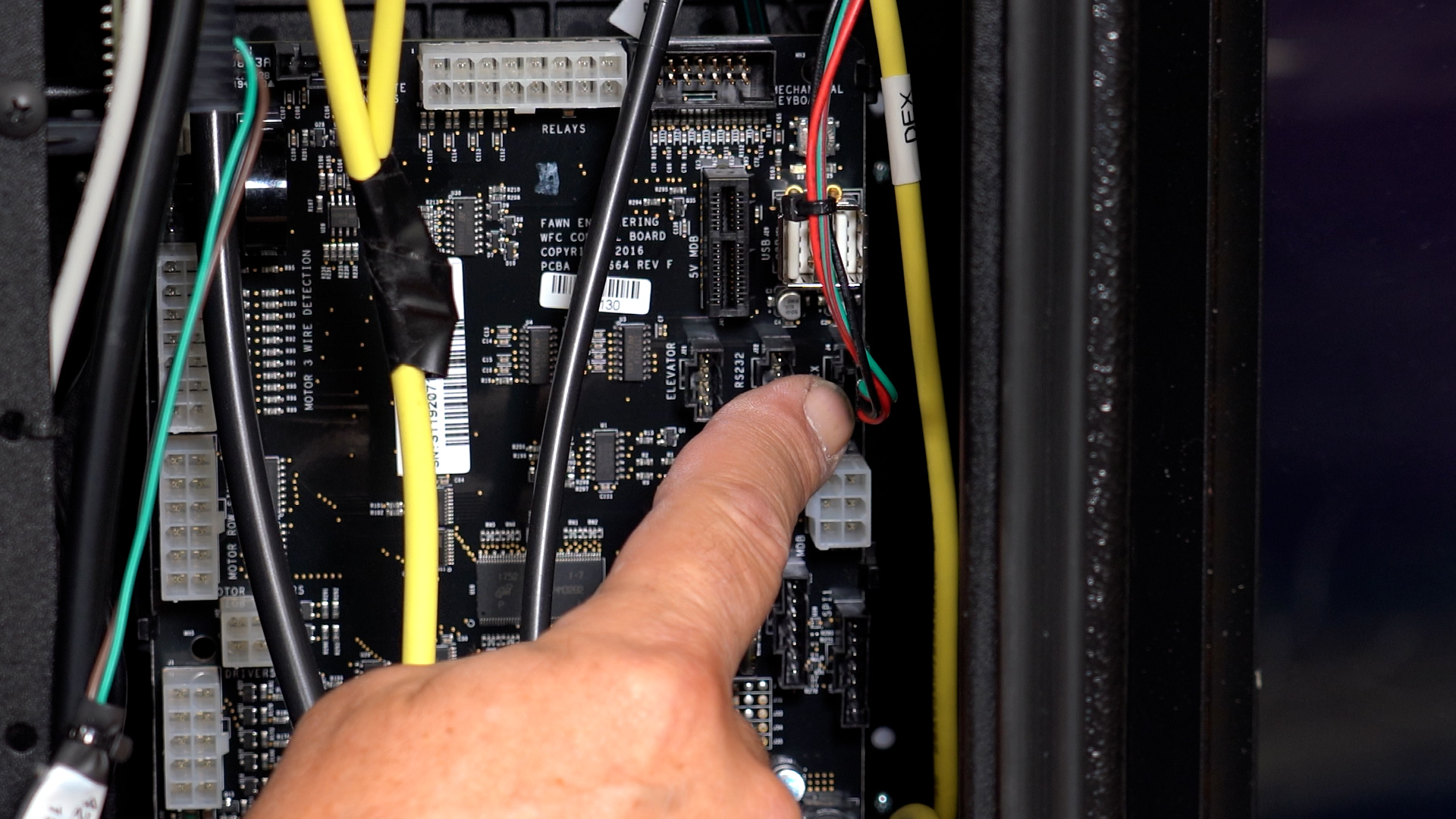
Now reattach the connections. Refer to the picture you took earlier to know where each connection goes.
Here is the iVend connector, Motor wires, Door switch, touch screen, DEX, MDB. Down here is power for the touch screen.
The power harness has wire and orange wires in it. Plug it into the lower right. Refrigeration plug in is up here.
Next turn the machine on and enter service mode.
If the DEX, Touch Screen and elevator wires are not properly connected to the control board you will see the touch screen remain on this screen.
Perform a motor count.
Make sure refrigeration is set to Cold Food.
Set correct prices and make sure correct motors are paired.
Comments
Please sign in to leave a comment.