
| Troubleshooting |
| This article covers what to do when your machine is out of service. |
| Symptoms |
| Your machine will not accept coins or bills. |
| You are not able to make a purchase. |
| Your machine is not cooling and has initiated the Health and Safety alarm. |
When your machine is Out of Service make sure the motor count has been completed. Especially if you've installed a new board, motor count must be completed or the machine will stay in Out of Service.
Press the Service Mode button and press 2. This will display the number of motors found:
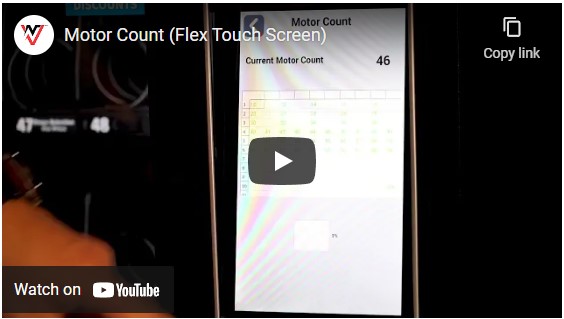
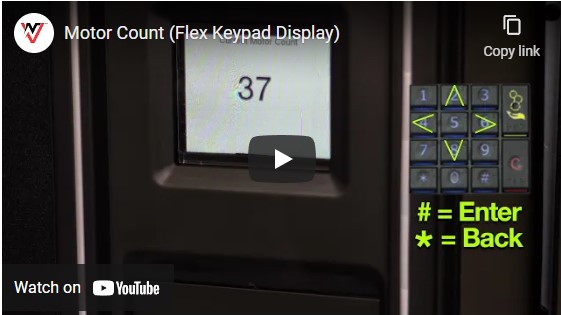
https://youtu.be/xQdaHz_UGPw
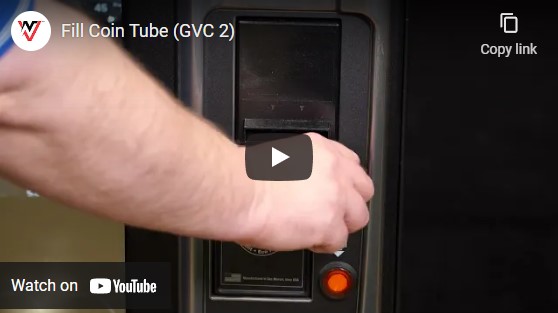
For GVC1 or GVC2 control boards:
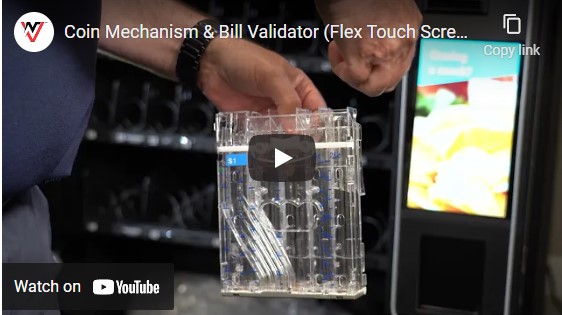
- Press the Service Mode button and press 1. This is known as Tube Fill mode. This display will show $1.00. Load your coins through the front of your machine until 30 nickels, dimes, quarters, and dollar coins have been loaded.
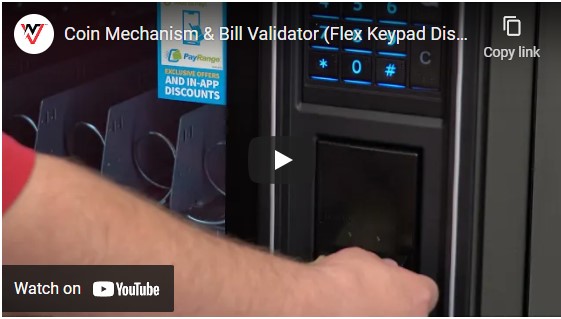
For Flex control boards:
- Load 30 nickels, dimes, quarters, and dollar coins into your coin cassette.
Another reason your machine may be Out of Service is your Health and Safety alarm was initiated due to the temperature of the machine going above 42F for a 15 minutes period. Opening and closing the door will reset the alarm allowing you to make a purchase.
You should look into why the alarm was initiated. This could be due to a power outage or possibly an issue with your cooling system.
Comments
We already work with support and decide to call tech
Please sign in to leave a comment.